

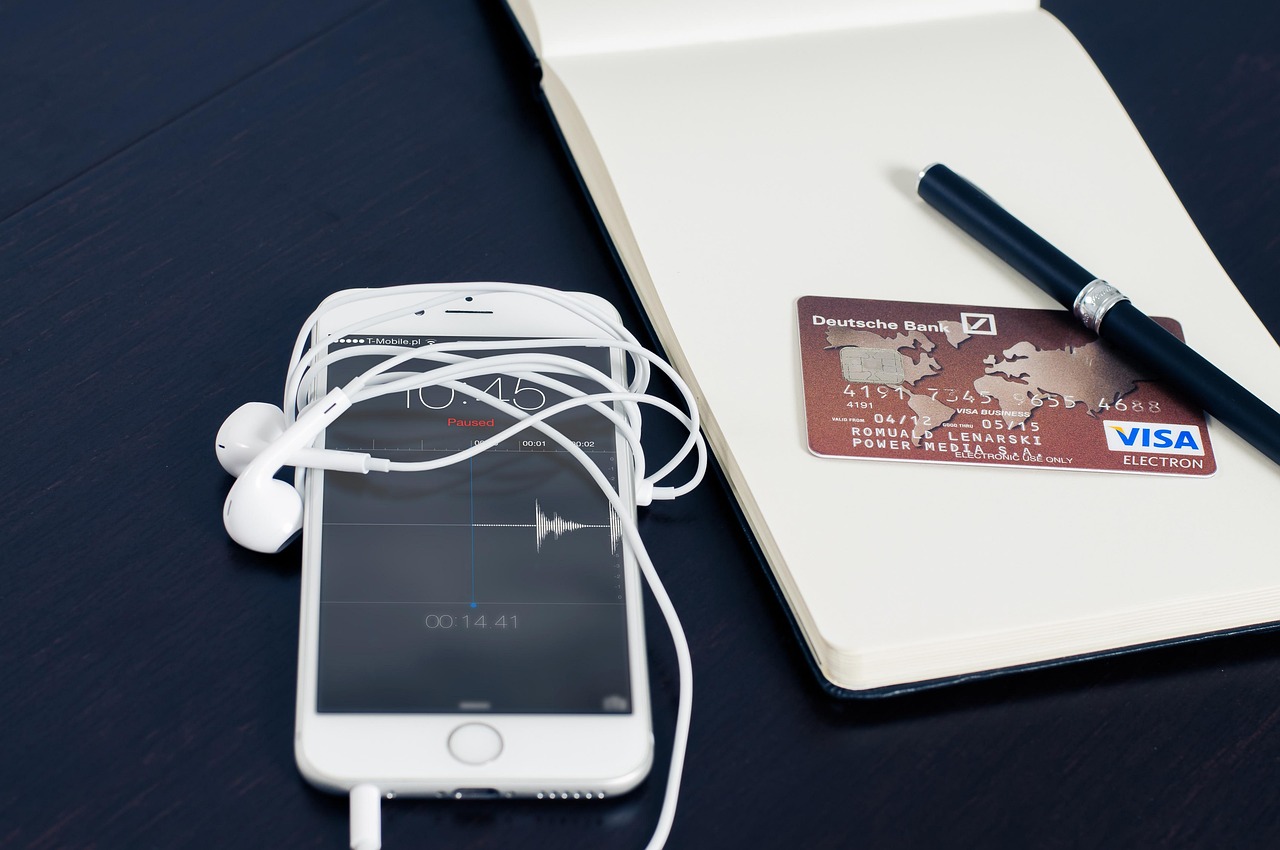
Financial management has shifted dramatically over the past decade, moving from physical bank branches and desktop computers to pocket-sized devices. Today, checking account balances, transferring funds, and paying merchants happen instantly through smartphone applications. While this convenience streamlines personal finance, it also introduces digital risks that require deliberate safety measures. Understanding how to use mobile banking safely for everyday transactions protects personal assets and ensures financial privacy in an increasingly connected digital environment.
Understanding Mobile Banking Security Architecture
Modern financial institutions invest heavily in cybersecurity, deploying multi-layered defenses to protect user data. Banks utilize 256-bit encryption, secure socket layer (SSL) technology, and multi-factor authentication (MFA) to safeguard information moving between the smartphone and the financial institution’s servers. Encryption scrambles data into unreadable code during transmission, ensuring that intercepted packets remain secure. Even with robust institutional safeguards, the security chain relies heavily on the end user’s device hygiene and daily digital habits.
Operating systems on modern smartphones receive regular security patches designed to close newly discovered vulnerabilities. Neglecting these updates leaves devices exposed to exploits that bypass standard application defenses. Furthermore, financial applications rely on secure server handshakes and certificate pinning to verify that the app communicates strictly with legitimate banking servers rather than malicious intermediaries. Recognizing these technical foundations helps users appreciate why specific security prompts, such as mandatory app updates or biometric verifications, exist.
Essential Device Hygiene for Financial Applications
Securing the physical device represents the first line of defense in mobile financial management. Smartphones should always utilize strong device-level authentication, such as complex passcodes, facial recognition, or fingerprint scanning. Leaving a phone unlocked invites unauthorized access if the device is misplaced or stolen. Biometric authentication offers superior security compared to simple pattern locks, which can be observed or guessed by onlookers in public spaces.
Application permissions require careful auditing. Financial apps need internet access and occasionally camera access for mobile check deposits, but they do not require access to contacts, photo galleries, or microphone functions for routine operations. Restricting unnecessary permissions limits data exposure if a secondary, non-financial application on the device suffers a security breach. Additionally, downloading software exclusively from official application stores-such as the Apple App Store or Google Play Store-prevents the installation of rogue applications designed to mimic legitimate banking interfaces.
Recognizing and Defending Against Phishing and Social Engineering
Cybercriminals frequently target financial application users through social engineering rather than direct technical hacking. Phishing attacks arrive via text messages (smishing), emails, or fraudulent phone calls, mimicking official communications from banking institutions. These messages typically manufacture a false sense of urgency, claiming an account has been locked or an unauthorized transaction requires immediate verification. Clicking the embedded links directs users to spoofed websites designed to harvest login credentials and account numbers.
Legitimate financial institutions never request full passwords, PIN numbers, or multi-factor authentication codes via text message or unsolicited phone calls. When an alert arrives regarding suspicious account activity, the safest protocol involves closing the message, opening the official banking application independently, or calling the customer service number printed on the back of the debit card. Verifying communication channels independently neutralizes the effectiveness of social engineering tactics.
Best Practices for Public Wi-Fi and Network Security
Conducting financial transactions over unsecured public Wi-Fi networks in places like coffee shops, airports, or hotels introduces significant interception risks. Public networks often lack encryption, allowing malicious actors on the same network to monitor data traffic through packet sniffing techniques. Entering banking credentials on an unencrypted network can expose login details to unauthorized observers.
Cellular data networks, including 4G, 5G, and LTE, offer significantly higher security levels than public hotspots because cellular traffic is encrypted between the device and the nearest cell tower. When public Wi-Fi is the only available internet option, routing traffic through a reputable Virtual Private Network (VPN) encrypts the connection, shielding user data from network surveillance. Minimizing financial activities to trusted home networks or secure cellular data connections eliminates unnecessary exposure to local network threats.
Comparing Security Features of Financial Access Methods
Evaluating the security mechanisms across different banking channels helps clarify the specific risks and protections associated with mobile platforms.
| Access Method | Primary Security Mechanism | Vulnerability Level | Convenience Factor |
|---|---|---|---|
| Mobile Banking App | Biometrics, 2-Factor Authentication, Device Encryption | Moderate (Device-dependent) | High |
| Desktop Web Browser | Password Managers, SSL Certificates, SMS Verification | Moderate (Browser-dependent) | Moderate |
| Telephone Banking | Voice Biometrics, PIN Verification, Account Questions | Low | Low |
| Physical Branch | Government ID, Signature Verification, In-Person Staff | Very Low | Minimal |
Configuring Account Alerts and Monitoring Transactions
Proactive monitoring serves as a powerful deterrent against financial loss. Modern banking platforms allow users to configure real-time push notifications, text messages, or email alerts for specific account activities. Setting up alerts for transactions exceeding a specific dollar amount, international purchases, password changes, or low balances ensures immediate awareness of unauthorized actions.
Daily or weekly manual transaction reviews complement automated alerts. Spotting an unfamiliar micro-transaction or unauthorized charge early allows for immediate card freezing and fraud reporting. Most financial apps feature a toggle switch to instantly lock or freeze a debit or credit card if it is temporarily misplaced, preventing fraudulent charges before a formal replacement card is issued.
Authentication Best Practices and Credential Management
Password security remains a cornerstone of digital safety. Reusing passwords across multiple online platforms creates a cascading security risk; if a minor retail website suffers a data breach, cybercriminals automatically test those compromised credentials against financial portals. Utilizing unique, complex passwords for banking applications prevents widespread credential stuffing attacks.
Multi-factor authentication (MFA) adds a vital layer of security beyond a standard username and password. While SMS-based verification codes are common, app-based authenticators or hardware security keys provide superior protection against SIM-swapping attacks, where malicious actors trick cellular carriers into transferring a victim’s phone number to a device under the attacker’s control. Enabling biometric login options further secures access, as facial structures and fingerprints cannot be easily guessed or stolen through remote database breaches.
Frequently Asked Questions
What should I do if my smartphone with banking apps is lost or stolen?
Are mobile banking apps safer than mobile web browsers?
How do I identify a fake banking application?
Is it safe to save my username and password inside mobile browsers or password managers?
Conclusion
Mastering how to use mobile banking safely for everyday transactions requires a balance of technological awareness and disciplined digital habits. By maintaining updated device operating systems, avoiding unsecured public Wi-Fi networks without a virtual private network, recognizing social engineering attempts, and leveraging real-time transaction alerts, users establish a robust defensive posture against cyber threats. Financial technology will continue to evolve, introducing new conveniences alongside sophisticated security protocols. Remaining vigilant, auditing application permissions, and utilizing multi-factor authentication ensure that digital finance remains a secure, efficient tool for managing everyday monetary needs.
